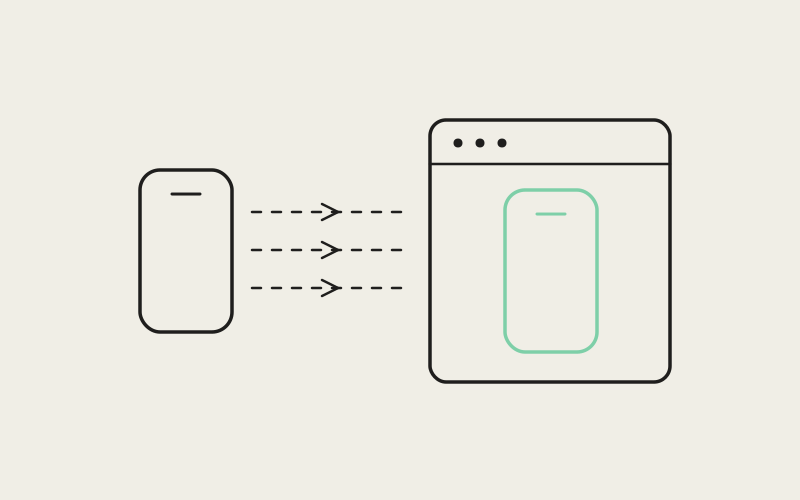
For months, the built-in emulator pane in Influxx told two very different stories depending on what you were building. Work on iOS from a Mac, and you got a live, responsive Simulator preview sitting right next to your agent tabs — watch a CLI's change render in real time, without leaving the cockpit. Work on Android, or work from Windows or Linux at all, and the pane had nothing for you: the only option was alt-tabbing to a separate, standalone Android Studio emulator window running completely outside Influxx. Closing that gap took more than copying the iOS feature sideways. iOS and Android simply don't expose emulator video or control the same way at the operating-system level, and pretending otherwise would have produced an Android pane that looked first-class and behaved like an afterthought.
Why the Old Pane Stopped at iOS
The honest explanation is that the original emulator pane was never built as a general "mobile emulator" feature. It was wired directly to Apple's own simulator control tooling, built around the xcrun simctl command-line interface, because that was the fastest path to a working iOS preview — and because iOS Simulator only runs on macOS in the first place. That wiring worked well for what it was, but it meant the abstraction the rest of the interface depended on wasn't "an emulator." It was "whatever Apple's simulator tooling happens to expose." There was no seam anywhere for a second kind of emulator to plug into.
That cost showed up constantly for anyone building cross-platform apps, or building for Android exclusively. Influxx's whole premise is one cockpit — one sidebar, one tab strip, agents and notes all in the same place. Every alt-tab to a separate emulator window broke that promise for exactly the workflow it mattered most for: watching a change land and immediately checking it against the running app.
Designing a Backend Abstraction Instead of an iOS Shape
The fix wasn't "add Android support" treated as a feature request. It was introducing a real abstraction for what a mobile emulator backend is, then proving that abstraction was honest by putting two genuinely different implementations behind it. The existing iOS logic got refactored into one specific backend behind that new interface, and a new Android backend went in alongside it as a first-class peer, not a bolt-on bracketed onto an iOS-shaped system.
Capability Flags Instead of Assumptions
Once that seam existed, the pane stopped needing to know whether it was looking at an iOS Simulator or an Android emulator — it just asked the active backend what it supports. iOS Simulator, backed by years of Apple tooling, handles a wide range of operations well: installing an app, launching it, granting permissions, reading the accessibility tree, capturing logs. A brand-new Android backend wasn't guaranteed to match that entire set on day one, and assuming it did would have meant a UI that quietly broke the moment someone clicked something unsupported. So each backend now exposes its own capability flags, including:
- App install and launch: whether the backend can push a build onto the device and start it directly from the pane.
- Permission grants: whether location, camera, or notification permissions can be toggled from inside Influxx instead of the device's own settings.
- Accessibility tree access: whether the pane can read the on-screen element hierarchy, which matters for agent tooling that needs more than "click this pixel."
- Logcat streaming: whether device and app logs surface inline next to the video, instead of requiring a separate terminal.
The interface reads those flags and adapts, showing a control when the active backend supports it and hiding it when it doesn't, rather than assuming every backend can do everything iOS Simulator happens to do.
"iOS Simulator support had years of Apple tooling behind it, so it was tempting to treat that feature set as the definition of what a mobile emulator backend is and just try to match it everywhere. We didn't want to ship an Android pane that silently failed the first time someone clicked a control we hadn't wired up yet. Capability flags mean the interface tells the truth about what each backend can actually do, instead of promising a parity we hadn't earned."
— Nina Petrova, Head of Mobile at ETAPX
Pure Extraction: Isolating Working Code Before Adding Risk
The team split this into two separate changes rather than one large rewrite. Step one was pure extraction: move the existing, already-working iOS logic behind the new abstraction with no intended change in behavior. Nothing about how iOS Simulator support looked or felt was supposed to differ the day after that refactor shipped. Step two, adding the Android backend, only started once the extraction was done and stable.
That ordering is unglamorous, but it kept existing iOS users from becoming unwitting testers for an architecture change they never asked for. Isolating the refactor from the new feature meant any regression traced back to one clear commit instead of tangling with brand-new Android code — and meant Android was built against an abstraction already proven against a real implementation, not a theoretical one.
The Video Problem: MJPEG Doesn't Fit Android
Architecture solved half the problem. The other half was video, and Android wasn't going to let us reuse iOS's pipe even if we'd wanted to.
iOS Simulator support streams a live MJPEG image feed through Apple's own tooling — effectively a fast sequence of individual images delivered over an HTTP-style connection. Android emulators don't expose an equivalent through adb, the standard tool for talking to Android devices and emulators. adb's model is built around forwarding ports and shuttling shell commands, not serving an HTTP-style image stream, so bolting an MJPEG-style feed onto it would mean fighting the tool instead of using it as designed.
Rather than inventing a custom video-mirroring protocol for Android from scratch, we reused the tool the Android community already trusts for exactly this job.
scrcpy Plus WebCodecs: Reusing the Right Tool at Each Layer
scrcpy is a well-known, widely used open-source screen-mirroring tool for Android, and it exists precisely because mirroring an Android screen well — with good latency, without corrupting frames — is harder than it looks. Rather than write our own version and re-discover the same edge cases its community has spent years hardening, Influxx deploys scrcpy's server component onto the emulator directly, using a specific, pinned, version-locked build, so we always know exactly what protocol we're speaking to.
A Pinned scrcpy Server, Tunneled Over adb
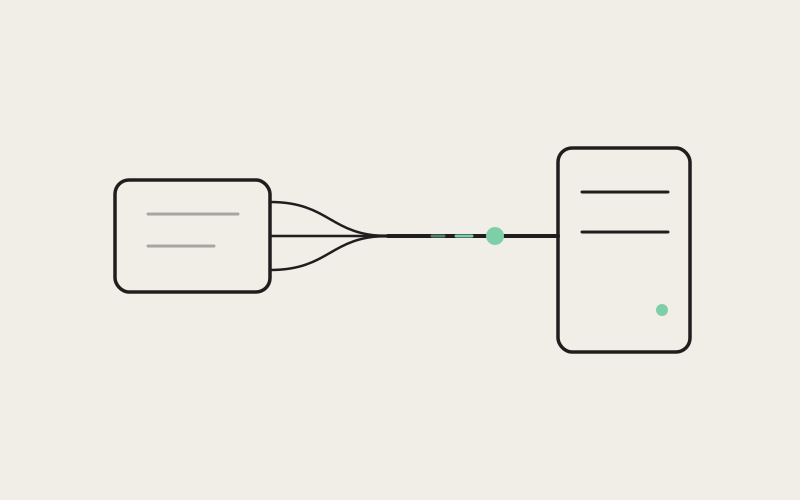
Once that server is running on the emulator, Influxx opens an adb port-forward tunnel to reach it — playing to adb's actual strength, forwarding a local port through to a port on the device, rather than serving images over HTTP. Raw H.264 video comes back through that tunnel. H.264 is a standard, widely supported video codec, not something specific to Android or Influxx — and that ordinariness is what makes the next step possible.
Decoding H.264 for Free Inside Chromium
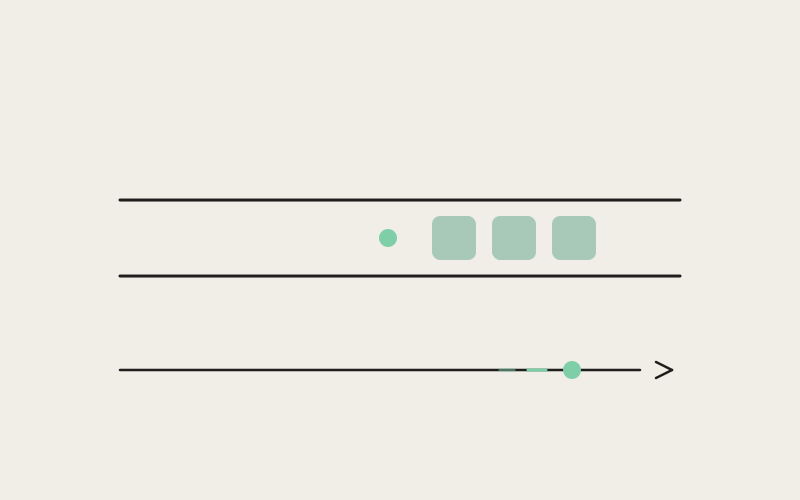
That raw H.264 stream gets decoded directly inside Influxx's own interface using the browser's native WebCodecs API, then rendered onto a canvas. WebCodecs is a standard web API built for exactly this kind of low-level, real-time media decoding, and it already ships as part of the Chromium engine that Electron — and therefore Influxx — is already built on. That detail is what made the approach worth it: decoding real-time H.264 didn't require adding a single new native dependency to install, patch, or maintain.
"I own the Android side of a fitness app, and for the longest time my loop was: let an agent make a change, alt-tab to a completely separate emulator window, wait for it to catch up, alt-tab back to see if it worked. Now the preview just lives in the same pane as my terminal tabs. It sounds small written down, but it's the difference between the cockpit being where I actually work and being where I write code before going somewhere else to check it."
— Priya Deshmukh, Android engineer building a fitness tracking app
"We didn't reach for scrcpy because it was convenient. We reached for it because adb was never built to hand over an HTTP-style image stream the way Apple's simulator tooling does, and forcing Android through that pipe would have meant reinventing a tool the Android community already got right. Because WebCodecs already lives inside Chromium, decoding real-time video became something we got for free instead of something we had to own ourselves."
— Nina Petrova, Head of Mobile at ETAPX
What's Genuinely New, and What's Still Simple
Video streaming for Android is new. It landed well after iOS Simulator support, which has been part of Influxx for a long time, and we're not going to describe the two as equally battle-tested. It's real and live, and developers are already using it daily — but it's earlier in its life than the iOS side, and we'd rather say that plainly than have someone discover it by hitting an edge case we didn't warn them about.
The clearest example is input. Right now, taps, swipes, and text entry sent to the Android emulator travel through plain adb shell input calls — the same basic command a script would use to drive input from a terminal. scrcpy itself offers a lower-latency dedicated control channel for input, separate from its video path, and Influxx isn't wired up to that channel yet. That's a sequencing choice, not an oversight: ship a working, live video preview first, then optimize input once the video foundation was solid.
A couple of other things are intentionally out of scope for this first version, rather than gaps we're quietly hoping nobody notices:
- Camera and sensor injection: feeding a simulated camera image or a synthetic GPS location into the running emulator isn't wired up yet.
- Device types beyond phones and tablets: Wear OS and Android TV emulators aren't supported in this first pass.
Both are reasonable v1 boundaries, not permanent ones, and neither blocked the core promise: a real, live Android emulator preview living in the same pane as iOS Simulator, instead of a separate window entirely outside Influxx.
Platform Parity Means Respecting the Differences
The through-line across the architecture change and the video pipeline is the same idea told twice. Treating Android as a first-class peer to iOS inside one mobile emulator pane never meant making Android behave like iOS. It meant building an abstraction honest enough to hold two backends that genuinely work differently, and a video pipeline that uses the tool each platform actually hands you — MJPEG through Apple's tooling on one side, scrcpy and WebCodecs over an adb tunnel on the other. iOS and Android don't expose emulator control the same way at the OS level. Reaching parity meant respecting that, not forcing Android through the pipe iOS happened to get first.
That's also why the capability-flag system matters past this one release. Whatever backend Influxx adds next won't need a redesign of the emulator pane to fit in. It will declare what it supports, and the interface will adapt, the same way it already does for iOS and Android today.
Frequently Asked Questions
Does the Android emulator preview work on Windows and Linux, or only macOS?
Yes — that was one of the main points of building a real backend abstraction rather than extending the iOS-only pane. The Android backend runs wherever Influxx runs and wherever you can run an Android emulator with adb available, including Windows and Linux, not just macOS. iOS Simulator support is still macOS-only, but that limitation comes from Apple's own tooling, not from Influxx.
Do I need Android Studio installed for this to work?
You need an Android emulator (an AVD) and adb available on your machine, which typically come from Android Studio's SDK and command-line tools. You don't need to keep Android Studio's own emulator window open, though — once the emulator is running, Influxx connects to it directly and the live preview appears inside the cockpit's own pane, not a second application window.
Why does Android use a different video streaming approach than iOS Simulator?
Because the two platforms don't expose video the same way at the OS level. iOS Simulator streams a live MJPEG image feed through Apple's own tooling. Android's standard device tool, adb, is built around port forwarding and shell commands, not HTTP-style image streaming, so we deploy scrcpy's server component onto the emulator and tunnel raw H.264 video back over adb, decoding it locally with the browser's native WebCodecs API.
Is controlling the Android emulator — taps, swipes, typing — as responsive as the video?
Not yet, and we'd rather be upfront about that than let you discover it mid-demo. Input currently goes through plain adb shell input calls, simpler and higher-latency than the dedicated control channel scrcpy itself offers. We shipped a genuinely live video preview first and are treating input latency as the next optimization, not finished work. If you're doing fast, precise interaction testing today, expect input to feel a step behind the video's smoothness.
Can I use this with a physical Android device instead of an emulator?
The current Android backend is built and tested around emulators, meaning AVDs running locally on your machine. Physical devices raise their own questions around connection paths, permissions, and device-to-device variability that we haven't scoped into this first version.
Will streaming a live Android emulator preview slow down my machine?
The emulator itself is the heavier cost, the same as it would be running inside Android Studio's own window — where you view its screen doesn't change that math. Decoding through WebCodecs was chosen partly to avoid stacking a custom decoder on top of that cost. Your machine decodes the H.264 stream using the same Chromium engine your desktop browser already relies on for video, rather than a separate piece of software Influxx has to run alongside it.
None of this makes Android emulator support in Influxx identical to iOS Simulator support yet, and we're not claiming it is. What it makes is real, live, and built on its own terms — a backend that earns its place next to iOS instead of impersonating it, with a video pipeline built from the tools Android actually hands you rather than the ones borrowed from somewhere else. The rest — input latency, camera injection, other device types — is a roadmap, not a hidden asterisk.