Most developer tools treat the keyboard as a convenience layered on top of a mouse-first design: click through the interface, and if you're lucky, the handful of actions you use most also happen to have a shortcut. We built Influxx around the opposite premise. When a single session might mean juggling a dozen tabs, several live terminals, and multiple git worktrees at once, reaching for the mouse to move between any of them isn't a minor inconvenience — it's the thing that breaks your flow. So every action in Influxx can be rebound to a key combination of your choosing, a double-tap of a bare modifier key is a real, supported trigger anywhere in the app, and every shortcut is dispatched based on what your keyboard actually types, not which physical key happened to get pressed.
When Shortcuts Are an Afterthought, Flow Breaks
In most applications, keyboard shortcuts get added after the interface is already designed. Save gets a shortcut. Closing a tab gets a shortcut. Maybe there's a command palette for everything else. Everything beyond that short list lives behind a menu, a button, or a click target — a reasonable trade for software where you're doing one thing at a time.
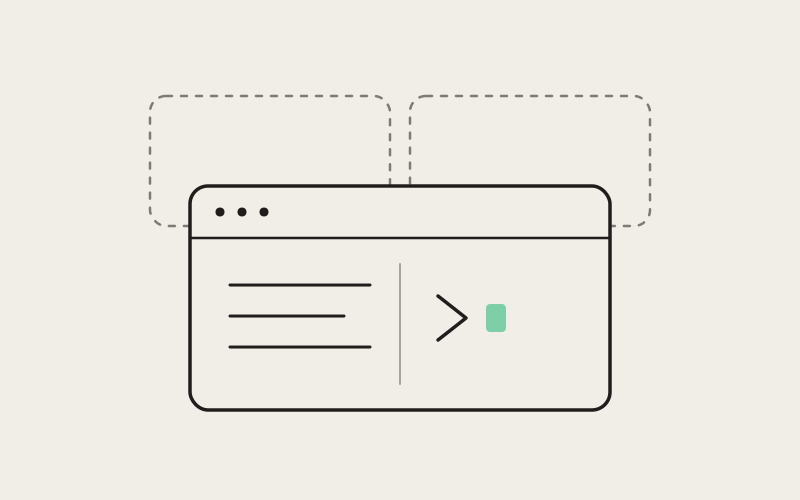
Influxx isn't that kind of tool. It's built around running more than 30 AI coding-agent CLIs side by side — Claude Code, Codex, Cursor, GitHub Copilot, Gemini, Grok, and others — each in its own isolated git worktree, with notes and agents sharing one cockpit instead of being split across a terminal app, an editor, and a separate notes tool. A developer working this way is in near-constant motion: checking whether one agent finished, jumping into a terminal to run something by hand, flipping to another tab to jot a note on what an agent should try next, glancing at a third worktree to see if it's still churning. It's dozens of small movements an hour, and if each one costs a reach for the mouse, the cost compounds in a way it never would in a single-pane editor.
"We didn't set out to make Influxx a keyboard-only app. We set out to make sure that if your hands are already on the keyboard — and if you're running several agents at once, they usually are — you're never forced off it just to get around the app."
— Elena Vasquez, Director of Design at ETAPX
That distinction matters. A keyboard-only app would mean stripping out the mouse as an option. A keyboard-first design instead means the mouse still works for anyone who prefers it, but nothing requires it. Getting there took more than assigning shortcuts to a few popular actions. It meant rebuilding the keybinding system around three specific capabilities, each addressing a different way that "add a shortcut later" quietly fails.
Full Rebinding: No Combination Is Off Limits
The first piece is the simplest to state and the easiest to take for granted: every action exposed in Influxx's shortcuts settings can be rebound to a key combination of the user's choosing. Not a curated subset of the ten most common actions — all of them.
Here's why:
- Nobody arrives with a blank slate: developers coming to Influxx already have years of muscle memory from another editor, terminal multiplexer, or IDE. Forcing them to relearn a new default set for actions they perform hundreds of times a day is friction we don't need to add.
- Conflicts are personal, not universal: two developers will have different opinions about which combination should focus the next terminal versus open a new tab. Rather than pick one "correct" answer and disappoint half our users, we let each person resolve the conflict for themselves.
- Preferences compound across a workday: when you're moving between many tabs, terminals, and worktrees for hours at a stretch, even a slightly awkward binding becomes a small tax you pay constantly. Full rebinding makes that tax optional.
Full rebinding by itself isn't unusual — plenty of apps let you remap a shortcut here and there. What's less common is treating it as a baseline expectation for every action, rather than a power-user escape hatch buried three menus deep. In Influxx it's front and center in the settings, because we expect people to actually use it.
Double-Tap Modifiers: One Primitive, Not One Hack
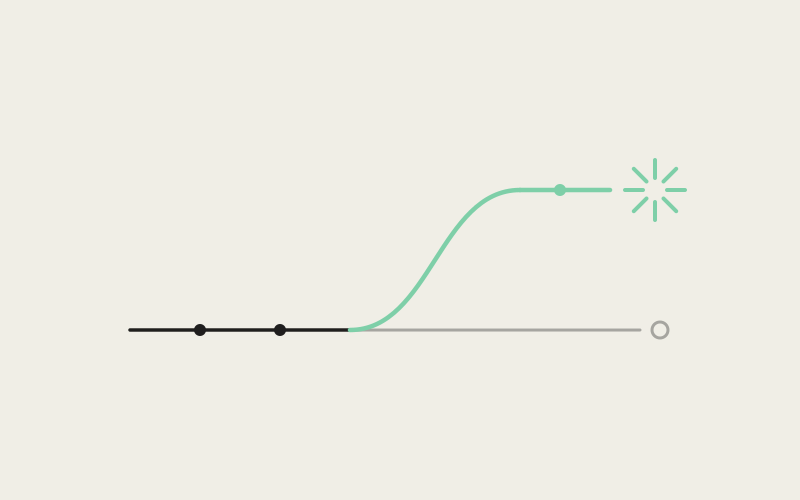
The second piece is less common, and it came from a specific request: someone wanted to double-tap Shift to jump straight to a find-and-open action, a gesture that's familiar to anyone who's carried the habit over from another editor. We could have implemented that as a one-off — a small piece of code that watches for two Shift presses in quick succession and fires that one action. Instead, we built a double-tap of a bare modifier key as a generic, first-class trigger type inside the keybinding system itself.
The difference matters. Because the capability lives in the keybinding system as a general primitive rather than as a special case wired to one action, any existing action in Influxx automatically gets the option of a double-tap-modifier trigger, with no additional code written for that specific action. Double-tap Shift for find-and-open was the first use of it. It won't be the last, because the mechanism is already available everywhere in the app, not parked behind the one place it happened to get requested.
The Timing Problem Nobody Sees
Building the general mechanism was the easy design decision. Making it reliable was the hard engineering one. Detecting a "double tap" of a bare modifier means deciding, within a short window, whether a second press of that modifier is the back half of a deliberate gesture or just an unrelated key press that happens to follow the first one. Get the window wrong in one direction and double-taps stop registering; get it wrong in the other and ordinary modifier use starts triggering gestures nobody meant to make.
That decision also can't be made in isolation. It has to hold up whether the focus is on an ordinary UI element, inside a live terminal pane, or inside an embedded browser view — three contexts that each already have their own default behavior for modifier key events before the double-tap detector ever gets involved.
"A double-tap of a modifier sounds trivial until you have to decide, in real time and inside a tight window, whether the second press is part of a gesture or the start of something unrelated. Then you have to make that same call consistently whether the cursor is sitting in a text field, inside a running terminal pane, or inside an embedded browser view — each of which has its own default opinion about what a bare modifier key press means. We're not overriding those defaults. We're coexisting with them."
— Marcus Webb, Principal Systems Engineer at ETAPX
Logical Keys, Not Physical Positions
The third piece addresses a problem that's easy to miss if you've only ever used a US QWERTY keyboard: most shortcut systems quietly assume everyone has one. They bind a shortcut to a physical position on the keyboard, and on a US QWERTY layout that position and the letter printed on it line up, so nobody notices the assumption. Switch to Dvorak, AZERTY, or a Japanese JIS layout, and the assumption breaks — the shortcut still fires, but based on whatever letter sits in that physical slot on a US layout, which is often not the letter the user is actually looking at on their own keyboard.
Influxx's keybinding system dispatches by logical key instead: it reasons about what letter or symbol a combination actually represents to the person using it, not which physical position got pressed. A shortcut bound to a particular letter fires when the user produces that letter, regardless of where that key physically sits on their layout. It's a small distinction to describe and a large one in daily practice for anyone who isn't on a US layout.
"I'm on AZERTY, and I've spent years quietly translating shortcuts in every dev tool I use — doing the mental math of which key actually produces the letter a shortcut expects. Influxx is the first tool in my daily rotation where I didn't have to do that math. I rebound a couple of things to my own taste, and everything else just fired on the key I actually meant to press."
— Camille Fontaine, Platform Engineer at a logistics startup in Paris, Influxx user
The One Deliberate Exception: Live Terminal Sessions
Logical-key dispatch is the right default almost everywhere in Influxx. Inside an actual running terminal session, it's the wrong one, and we made that exception on purpose rather than by accident.
Terminal programs and shells carry decades of their own keyboard conventions, and those conventions are built around the raw key that gets pressed, not the localized character it produces. Readline-style line-editing shortcuts are a good example — the muscle-memory combinations developers use to jump to the start of a line or delete the previous word predate modern layout handling entirely, and they're defined in terms of physical key codes. How the Option key gets interpreted as Alt is another: that mapping exists because terminal software has depended on it for a long time, independent of what layout the host operating system thinks is active.
We could have applied logical-key reasoning inside terminal panes too, for consistency with the rest of the app. We chose not to, because doing so would have silently changed behavior developers have relied on for years the moment they opened a terminal inside Influxx instead of a standalone one. A terminal pane in Influxx is still a real terminal running real shell conventions, and those conventions get the same physical-key treatment they'd get anywhere else. The exception is narrow — it applies inside live terminal sessions specifically, for the categories of shortcuts that shells themselves define — and it exists because blanket consistency with the rest of the app would have been the wrong kind of consistency.
Three Mechanisms, One Commitment
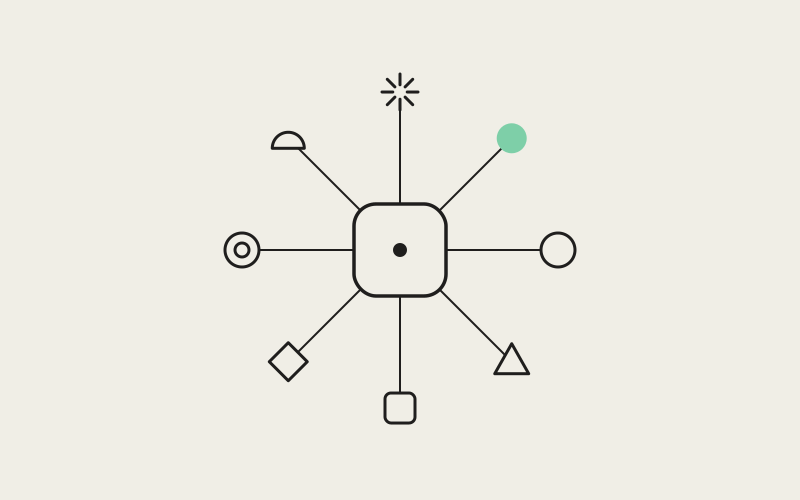
Taken separately, full rebinding, double-tap modifiers, and logical-key dispatch look like three unrelated features that happened to ship around the same time. Taken together, they're one commitment: whatever a user's hands are already doing on the keyboard should be enough to drive the entire app.
That commitment only matters because of what Influxx is actually for. A tool built around one task at a time can get away with treating the keyboard as an accessory, because the cost of an occasional mouse trip is small. A tool built around running many parallel agent sessions across many worktrees — checking on one, correcting another, leaving a note for a third, all inside a single cockpit — multiplies that cost by every tab, every terminal, and every context switch in a workday.
- Full rebinding: the keyboard matches how each developer already works, instead of how we assumed they would.
- Double-tap modifiers: that flexibility extends automatically to new actions, instead of requiring custom engineering work every time someone wants one.
- Logical-key dispatch: all of it behaves the same way regardless of what keyboard layout sits under a developer's hands.
None of the three is sufficient on its own. Together, they're what a keyboard-first design philosophy actually looks like in a tool built for running many agents at once: not a keyboard that's merely supported, but one the whole app is built around.
Frequently Asked Questions
Can I really rebind any shortcut, or just the common ones?
Any action exposed in Influxx's shortcuts settings can be rebound to a key combination of your choosing. There's no separate, smaller list of "customizable" shortcuts and a larger list of fixed ones — if it's an action in the app, its binding is yours to change.
What is a double-tap modifier shortcut, and am I required to use it?
It's a trigger type built into Influxx's keybinding system: pressing a modifier key like Shift twice in quick succession fires an action, the way double-tapping Shift can jump straight to a find-and-open action. It's entirely optional — leave it as shipped, rebind it to a different gesture, or ignore it in favor of a standard combination.
Will my shortcuts behave correctly if I'm not on a US QWERTY keyboard?
Yes. Influxx dispatches shortcuts based on the logical key — what letter or symbol your keyboard actually produces — rather than the physical position of the key you pressed. That's what makes shortcuts behave correctly on Dvorak, AZERTY, Japanese JIS, and other non-US layouts instead of quietly assuming a US layout underneath.
Why do shortcuts inside a terminal pane behave differently from the rest of the app?
Because a terminal pane in Influxx is a real, running terminal session, and shells carry their own long-established keyboard conventions — readline-style line editing and how Option is read as Alt, for example — that depend on the raw physical key rather than the localized character. We apply physical-key handling there on purpose, so behavior developers already rely on from years of shell use doesn't change just because the terminal happens to be running inside Influxx.
Does a double-tap gesture work the same way in a terminal pane or an embedded browser view as it does elsewhere in the app?
Yes, by design, though it was the hardest part to get right. Ordinary UI elements, live terminal panes, and embedded browser views each have their own default behavior for modifier key events, and the double-tap detector has to produce consistent results across all three rather than override any of them.
Can I set a double-tap-modifier trigger for an action that doesn't ship with one by default?
Yes. Double-tap-modifier detection is a generic capability in the keybinding system, not a special case wired to a single action, so any existing action in Influxx already has the option available in its shortcut settings, whether or not it shipped with one assigned.
None of this makes Influxx harder to use with a mouse — it just means the mouse is never the only way through. For a tool meant to sit at the center of running many agents across many worktrees at once, that was never going to be optional. We'd rather spend the engineering effort on the keybinding system once than ask every developer to spend it, one reach for the mouse at a time, for as long as they use Influxx.