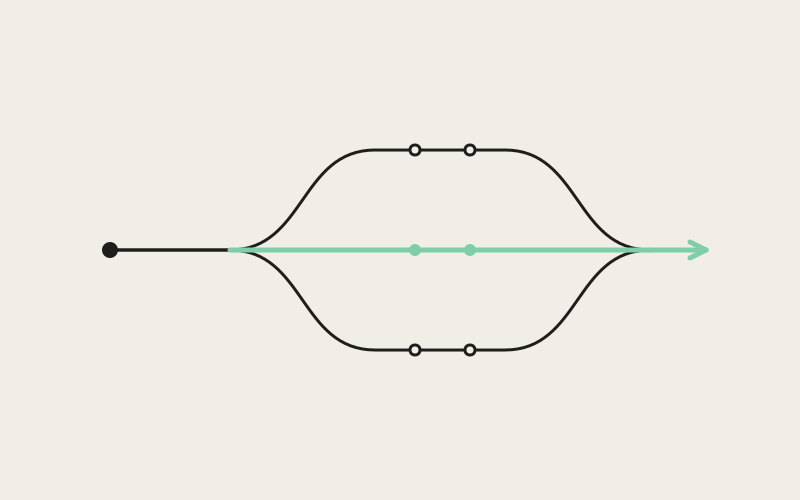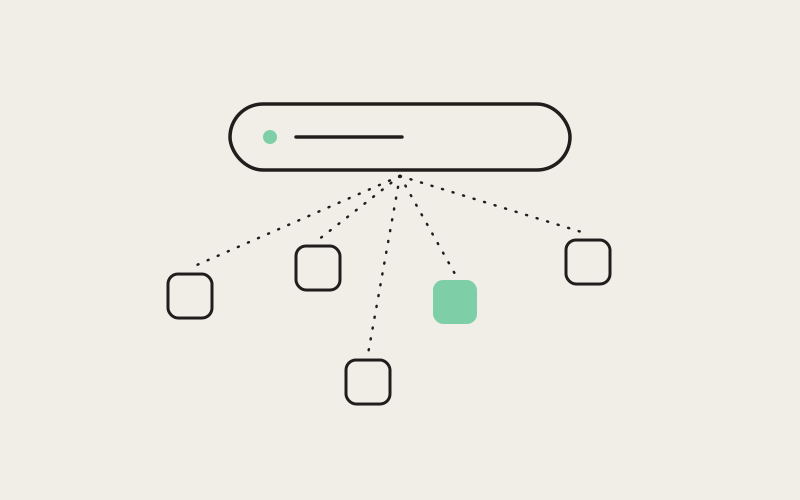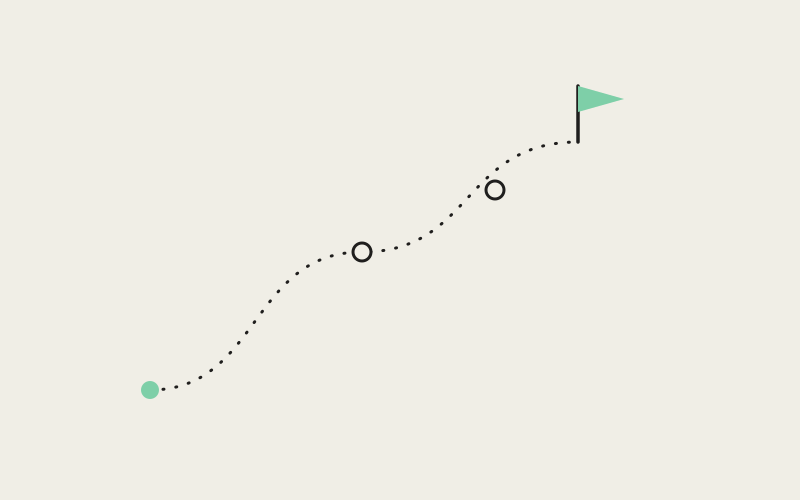
An AI agent that can only edit files and run terminal commands eventually hits a wall: the legacy tool with no API, the system dialog only a human is supposed to click through, the desktop application that predates REST entirely. Influxx's Computer Use capability lets an agent clear that wall — clicking, typing, and scrolling inside any application window on your real desktop, not just inside an embedded browser tab. But the same two abilities that make Computer Use useful, seeing your whole screen and acting on any application you have open, are exactly the two abilities that make it dangerous if something goes wrong. So we didn't build it into the main Influxx application at all — we built it as its own separate, narrowly permissioned helper, so that granting an agent control of your desktop is a decision only the developers who actually want that power ever have to make.
The Wall Every File-and-Terminal Agent Eventually Hits
Most of what an agent does inside Influxx never touches a mouse. Editing files, running terminal commands, driving the embedded browser to test a web app — all of that happens through interfaces built for exactly this kind of work. For a long time, that covers almost everything a coding agent needs to do.
It doesn't cover everything a developer needs done. Real engineering work still runs into software that was never built with an API, a script, or a headless mode in mind, and no amount of clever terminal scripting gets an agent past that kind of wall. Computer Use exists for exactly those cases:
- Software with no API to call: a desktop application that only exposes a graphical interface, with no command-line flag or endpoint standing in for what a human would otherwise click.
- Legacy internal tools: the kind of software a company has depended on for years, built long before anyone planned for an AI agent — or in some cases any external program — to drive it.
- System dialogs and prompts: a permission prompt, an installer step, or a native dialog box that the operating system expects an actual click to dismiss, not an API call.
In each of those cases, the only thing standing between "the agent understands what needs to happen" and "the task actually gets done" is the ability to see the same window a person would see and operate it the same way — clicking the same button, typing into the same field, scrolling the same list. That's what Computer Use adds to Influxx: not a replacement for file edits and terminal commands, but an escalation path for the moments when those aren't enough.
Isolating the Riskiest Capability Into Its Own Process
Once an agent sometimes needs to operate real, visible software instead of just files and a terminal, the next question is where that capability should live. The answer we built Influxx around is: not inside the main application. Computer Use runs as its own separate process — on macOS specifically, a distinct signed helper application with its own identity, separate from the main Influxx app you launch every day.
That's not an implementation detail we backed into. It's the direct consequence of how desktop operating systems treat the two abilities Computer Use actually needs.
The Two Permissions Only an Operating System Can Grant
Controlling other applications on a desktop — moving a cursor, sending keystrokes, reading what's inside a window that isn't yours — runs through the operating system's accessibility permissions. Seeing the screen at all, when an agent needs to look at something before deciding where to click, runs through the operating system's screen-recording permission. Operating systems like macOS gate both behind an explicit, per-application grant that a person has to approve, and that grant is tied to a specific application's identity — not to "Influxx" as a concept, but to the literal signed application asking for it.
What Bundling This Into the Main App Would Have Cost Everyone
That last detail is what made this an architecture decision rather than a debate. If Computer Use had been built directly into the main Influxx application, the identity asking the operating system for accessibility and screen-recording access would have been the main application itself — the same one every Influxx user runs for everything else. Every single person who installed Influxx would have had to grant the main app full control over their desktop and the ability to see their screen, whether or not they ever opened Computer Use. Isolating the capability into a separate helper application means that grant only has to happen for the developers who actually opt into the feature, scoped to a small, purpose-built process.
"macOS doesn't have a concept of 'this app is a little bit trusted.' Accessibility and screen-recording access are binary, and they're granted to a specific application's identity, full stop. If Computer Use lived inside the main Influxx binary, the only way to ship it at all would be asking every person who installs Influxx to grant the main app control over their entire screen and every other application on it — whether they ever touch Computer Use or not. Splitting it into its own signed helper means that grant only ever has to happen for the developers who actually want it, scoped to a small process instead of the whole cockpit."
— Ryan Chase, Security Engineer at ETAPX
Setting Up Computer Use Is Its Own Deliberate Step
Because the permissions live with a separate helper application rather than the main app, having Computer Use available in Influxx and having Computer Use actually working are two different moments. Installing Influxx doesn't grant anything on its own. Turning Computer Use on means walking through a distinct setup flow, the same way any macOS application that wants accessibility or screen-recording access has to send you through the operating system's own permission dialogs rather than assuming them.
That flow asks you, explicitly, to approve the helper application for the specific permissions it needs before it can click, type, or scroll on your behalf. Nothing about it is folded into a general terms-of-service moment during onboarding. You see the same kind of system permission prompt macOS shows for any application requesting that level of access, naming the helper that's asking and what it's asking for.
"The first time I used Computer Use, it was to drive an EDI terminal application from the nineties that our warehouse team still runs and that has never had an API in its life. Watching an agent click through those exact menus felt like magic, but what actually earned my trust was the setup before any of that. I had to explicitly grant a separate helper app permission to control my screen — it wasn't quietly bundled into installing Influxx. That's the kind of thing I want to see before I let anything automate clicks on a machine with production access."
— Devon Ashworth, platform engineer at a supply-chain software company and Influxx user
The friction is real, and it's supposed to be. A developer who never plans to point an agent at a native application never has to see that flow at all. A developer who does gets a clear, deliberate moment where they know exactly what they're granting, to exactly what process, instead of discovering later that an unremembered permission is attached to the whole application.
Trading a Little Friction for a Much Smaller Default Attack Surface
Step back from the mechanics and the shape of the decision is a straightforward trade-off. The two things that make Computer Use worth having are the same two things that make it worth being careful about: the ability to see whatever is on your screen, and the ability to act on whatever application is in front of it — not just the ones with a safe, sandboxed API standing between the agent and your data.
Given that, we had two ways to design around it. We could have asked every Influxx user to accept that risk the moment they installed the app, on the theory that it's easier to grant broad permissions once up front than to interrupt people later. Or we could ask only the developers who actually want Computer Use to accept it, at the moment they actually want it, scoped to a narrow helper rather than the whole application. We built the second one.
"The two things that make Computer Use worth having are the two things that make it worth being careful about — it can see whatever's on your screen, and it can act on whatever application is in front of it, not just the ones we've decided are safe to sandbox. We could have asked every Influxx user to accept that as the price of installing the app. Instead we scoped the acceptance to the people who actually opt in, and scoped the permission itself to a narrow helper instead of the whole product. That's a trade — a bit more setup friction for the developers who want this — and we think it's the correct one."
— Ryan Chase, Security Engineer at ETAPX
The friction is small and one-time: a setup flow, a system permission dialog, approved once per machine. What it buys is a default attack surface that doesn't grow just because Computer Use exists as a menu item. A developer who never opens that flow is, from the operating system's point of view, running an application with no more access to their desktop than it had before we built the feature at all.
Why the Same Approach Works on Every Desktop OS Influxx Supports
Influxx runs on more than one desktop operating system, and no two of them think about this kind of permission the same way. The categories are similar in spirit — controlling other applications, seeing the screen — but the mechanics of asking for that access, the identity it's tied to, and the dialogs a user sees are specific to each platform's own security model. There is no single, unified permission system spanning every desktop OS that Influxx could target once and reuse everywhere.
That's the real payoff of isolating Computer Use into its own component in the first place. Because the capability already lives outside the main application, it can be reasoned about, requested, and granted correctly on each operating system's own terms, instead of forcing every platform through one shared assumption that doesn't hold across all of them. Avoiding over-asking macOS users and supporting Computer Use consistently everywhere Influxx runs turn out to be the same problem, solved the same way: this kind of permission is inherently specific to the platform granting it.
Frequently Asked Questions
Does just installing Influxx require granting accessibility or screen-recording permissions?
No. The main Influxx application doesn't request either permission, and doesn't need them for anything else it does — managing worktrees, running terminal-based agents, or taking notes. Those permissions only come into play if and when you set up Computer Use, and even then they're granted to the separate helper application, not to Influxx itself.
What can Computer Use actually see and control once it's set up?
Once the helper application has been granted permission, Computer Use can see what's visible on your screen and operate whatever application window an agent is directed to work in — clicking buttons, typing into fields, scrolling lists, the same actions you'd take with a mouse and keyboard. It's bounded by whatever permissions were granted — the same limits any application with that level of access would have.
Is Computer Use the same thing as Influxx's embedded browser?
No, and the two solve different problems. The embedded browser is for agents working with web pages, inside a contained browser tab in the cockpit. Computer Use is for everything outside that tab — native application windows, legacy desktop software, and system dialogs that aren't a web page at all. Reach for the browser for web-based testing, and for Computer Use when the target is a real, visible piece of desktop software.
Why does the permission prompt name a helper app I don't recognize, instead of Influxx?
Because Computer Use is deliberately isolated into its own signed helper application with its own identity, separate from the main Influxx app. Operating systems grant accessibility and screen-recording access to a specific application's identity, so a prompt naming the helper — rather than Influxx itself — is the isolation working as intended, not a sign that something unexpected is asking for access.
If I use Influxx on more than one computer, do I have to set up Computer Use again on each one?
Yes. Permission grants are specific to the machine and operating system that issued them, and each desktop OS Influxx supports has its own separate permission and security model for this kind of capability. Setting up Computer Use on one machine doesn't carry a grant over to another, the same way any application needing that access would need approval again on a new machine.
Can I turn off Computer Use's permissions without affecting the rest of Influxx?
Yes. Because the permission lives with a separate helper application rather than the main app, revoking it only disables Computer Use. Everything else — editing files, running terminal-based agents, taking notes, working across worktrees — runs through the main application and isn't affected by whatever access the helper does or doesn't currently have.
Computer Use exists because some workflows genuinely need an agent to operate real software the same way a person would, and no amount of API-first thinking makes that need go away. Isolating that capability into its own signed helper, with its own permissions and its own setup flow, means the risk it carries is accepted only by the developers who actually want the capability — not quietly absorbed by everyone who just wanted to run a few coding agents side by side. A little setup friction, paid once by the people who benefit from it, is a small price for keeping everyone else's default attack surface exactly where it was before the feature existed.